

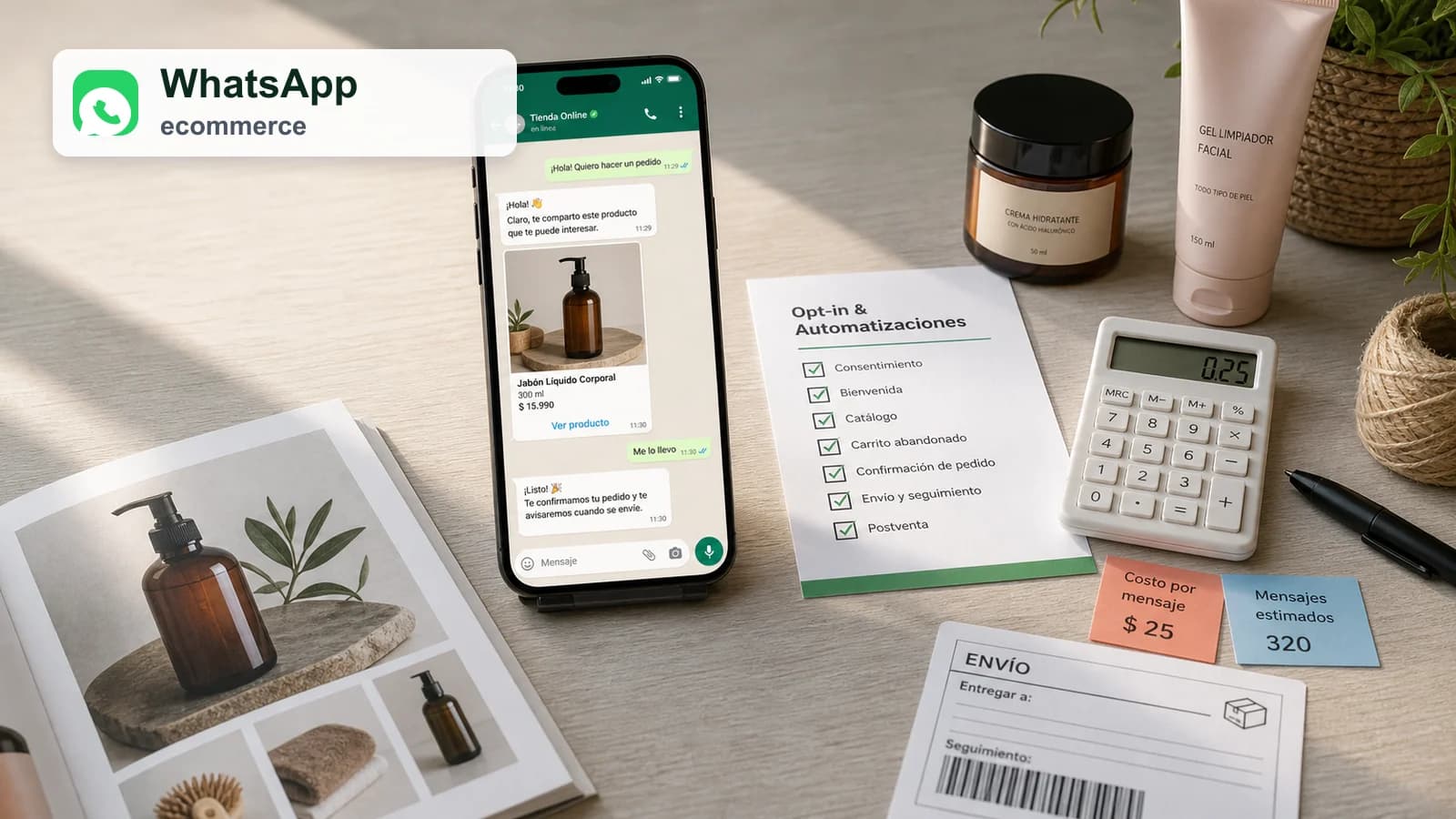
The advice: do not automate WhatsApp until permission, cost and margin are measured
Guide
WhatsApp can feel more direct than email or SMS because it sits next to personal conversations. That is why a vague opt-in can do more damage there than in other channels. The customer should understand the purpose, frequency and value of the message before the store uses WhatsApp for commerce.
The financial side matters too. A recovered cart is not automatically profitable if the store adds template cost, discount, support time and return probability. The right metric is contribution margin per recovered order, not just revenue attributed to the last message.
- Record where and why the customer opted in.
- Use WhatsApp to answer real objections, not just to push coupons.
- Include message cost and support time in profitability.
- Exclude customers who already bought, unsubscribed or opened a support issue.
- Monitor blocks and opt-outs as quality signals.
The opt-in is the product: explain what the customer will receive and when
A checkbox that simply says the shop may contact the customer is not enough as a customer experience. The store should state whether WhatsApp will be used for order updates, support, cart reminders, product advice or promotions. Frequency should also be clear enough to avoid surprise.
Strong opt-in copy reduces friction later. If the first message matches the promise, the channel starts with trust. If it feels unrelated, the customer may block the business or treat future messages as spam.
Understand service windows, templates and cost before automating
WhatsApp Business Platform rules distinguish between conversations initiated by the user and template messages sent by the business. The cost and approval requirements can change depending on message type and region. A store should understand those rules before building an abandoned-cart flow.
The team should also define what happens when a customer replies. Automation without a support path creates frustration. If a message asks for action, the store needs someone or something capable of answering the next question.
The WhatsApp catalog guides; it should not duplicate the whole store
A WhatsApp catalog is useful for a short, curated selection or for answering a specific request. It is less useful as a full replacement for product pages, filters, shipping information, returns, reviews and checkout. The website remains the place where the complete decision should be supported.
The strongest use case is guided selling: help the customer choose between a few relevant products, then send them to a clear buying path with stock and price aligned.
Abandoned cart through WhatsApp: less urgency and more real help
The best cart message answers the likely reason the customer stopped: size, compatibility, delivery date, warranty, payment method, stock or return policy. A generic hurry-up message can feel intrusive because WhatsApp is so personal.
Timing should be conservative. Send only when the customer gave permission, the product has enough margin and other channels have not already resolved the purchase.
Post-sale and support are often better first cases than promotions
Order updates, delivery coordination, product advice and support can create trust before the store uses WhatsApp for promotional recovery. These messages have a clearer service value and may reduce support workload if designed well.
Once customers recognize WhatsApp as a helpful channel, promotional or recovery messages have a better chance of being perceived as relevant rather than invasive.
How to measure WhatsApp without confusing noise with growth
Last-click revenue can exaggerate the channel if the customer was already going to buy. Compare WhatsApp against email, SMS or a holdout group. Track opt-in quality, delivered templates, reply usefulness, recovered margin, unsubscribes, blocks and support contacts.
A channel that recovers orders but increases discounts, returns or complaints may not be healthier than a lower-volume channel with better contribution.
A 14-day plan to launch WhatsApp e-commerce without improvising
In the first week, define use cases, opt-in copy, exclusions, template costs, support ownership and message examples. Start with one flow and one clear customer problem instead of automating every possible event.
In the second week, launch to a small segment, review replies manually, calculate contribution margin and adjust frequency. Expand only when the channel earns trust.


Help people discover your shop
If you run an online shop, publish it on TienRank for free to strengthen your website authority and help Google and AI systems understand your brand better.


The TienRank reading: the channel wins when it knows when to stay quiet
WhatsApp can be powerful because customers see it quickly. That power is exactly why restraint matters. The store should use it when the message is more useful there than in email or onsite content.
A profitable WhatsApp strategy is not the loudest one. It is the one that preserves permission while solving doubts customers actually have.
Further reading
Support useful news
Was this analysis useful?
Upvote it so it rises in News, reaches more e-commerce owners and helps us prioritize the cases that genuinely improve decision-making.
Frequently asked questions
Does WhatsApp e-commerce work for every online shop?
Not always. It works best when there are frequent doubts, enough margin, pre-sale support, order follow-up or repeat-purchase needs.
Can I send abandoned carts through WhatsApp?
Only with clear opt-in, the right template and good exclusions. Activate it only when the product, margin and timing justify the interruption.
What is the difference between service messages and templates?
Service messages happen inside a user-initiated window. Templates are business-initiated messages that generally need approval and may have different costs.
Does the WhatsApp catalog replace the website?
No. It can guide a short selection, but the product page and checkout still carry the complete buying decision.
Which metric should I check first?
Qualified opt-in, template cost, useful replies, incremental margin, opt-outs and blocks. Recovered orders alone are not enough.
How do I avoid looking like spam?
Ask permission by purpose, limit frequency, respond to real events, offer a clear exit and exclude customers who already converted.
Sources
Community
Ask a question, add nuance or share how you would apply it to your own shop.